The Best Foundation Matching Apps in 2026
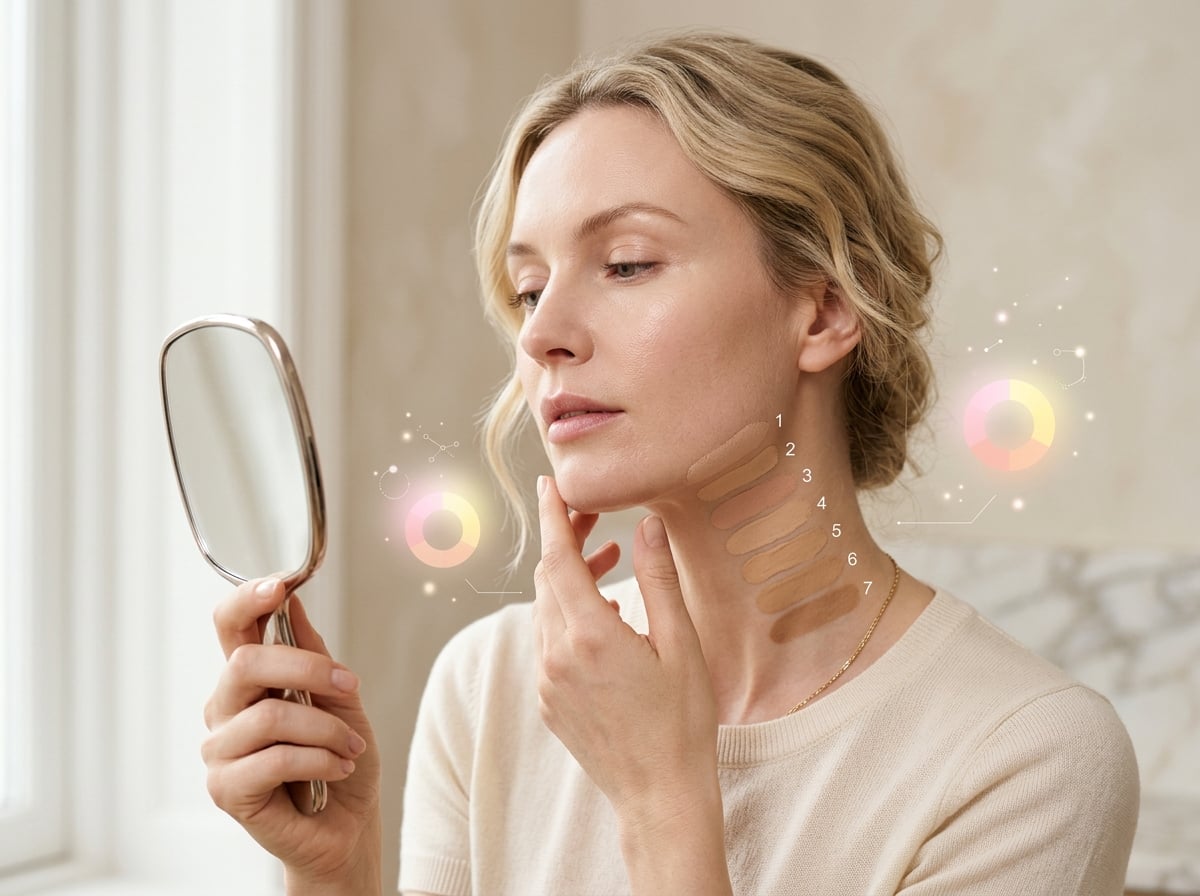
The best foundation matching apps identify two things from a photo: your skin’s depth (how light or deep it is) and your undertone (cool, neutral, warm, or olive), then translate that into shade guidance you can actually shop with. The most reliable tools work across the full depth range — not just fair to medium — and explain undertone in plain language instead of guessing. GlowLog’s foundation matching is undertone-aware and calibrated for every skin tone, including deep and melanin-rich skin that generic matchers often get wrong by going too ashy or too orange. This guide covers what actually drives a good match, the criteria worth comparing, and how the main categories of foundation tools stack up so you waste less money on the wrong shade.
How to choose a foundation matching app
Reads undertone, not just color
A good match depends on undertone (cool, neutral, warm, olive). Choose a tool that detects undertone, not just how light or dark you are.
Works at every depth
Deep and rich skin tones are where most matchers fail. Pick one calibrated for the full depth range so the shade isn’t ashy or orange.
Explains the result
The best apps tell you what to look for on a label — undertone family and depth — so you can match across any brand, not just one catalog.
Accounts for lighting
Lighting skews color badly. Good tools guide you to neutral lighting and factor it in so your match holds in real life.
GlowLog vs. typical tools
The capabilities that separate a genuinely useful tool from a quick novelty.
| Capability | GlowLog | Typical tools |
|---|---|---|
| Undertone detection | Yes — cool, neutral, warm, olive | Often depth-only |
| Accuracy for deep skin tones | Calibrated for the full depth range | Weakest on the deepest shades |
| Brand-agnostic guidance | Describes shade family to match anywhere | Often locked to one brand’s catalog |
| Lighting guidance | Prompts for neutral lighting | Rarely addressed |
| Part of a full skin profile | Linked to your skin history & tone | Standalone, no context |
| Explains the why | Plain-language reasoning | Just a shade name |
Categories of tools, compared
Each type of app is good at something. Here is what each does best — and where GlowLog fits.
GlowLog
Best all-in-oneUndertone-aware foundation matchingFoundation matching that reads both depth and undertone and gives brand-agnostic shade guidance for every skin tone, tied to your wider skin profile.
Best for: Anyone who keeps buying foundation that turns ashy, orange, or grey and wants a match that holds across brands.
Brand shade finders
Single-brand quiz / matcherTools built into a beauty brand’s site or app that recommend a shade from that brand’s own range.
Best for: When you already know the brand you want to buy from.
AR try-on matchers
Virtual try-onAugmented-reality tools that render foundation shades onto a live selfie for visual preview.
Best for: Visually previewing a few candidate shades fast.
Shade-database lookups
Cross-brand shade dupesDatabases that map a shade in one brand to its closest equivalent in another.
Best for: Finding an equivalent when you already know one shade that works.
Frequently asked questions
How do foundation matching apps work?
They analyze a photo to estimate your skin’s depth and undertone, then map that to a shade family. GlowLog detects undertone (cool, neutral, warm, or olive) as well as depth and gives brand-agnostic guidance so you can match across any line, not just one catalog.
Why do foundation apps get dark skin wrong?
Most are tuned for lighter to medium skin and under-sample deep tones, so matches drift ashy, grey, or orange. GlowLog is calibrated for the full depth range, including deep and melanin-rich skin, so undertone and depth are both respected.
What is undertone and why does it matter?
Undertone is the subtle hue beneath your skin’s surface — cool (pink/blue), warm (golden/yellow), neutral, or olive (green-ish). Matching undertone is what makes foundation disappear into your skin instead of looking like a mask, which is why depth alone is not enough.
Can an app really replace testing in store?
An app gets you to the right shade family quickly and reduces trial and error, which matters most for deep tones that stores under-stock. A final in-person or sample test in neutral light is still ideal, but you’ll start far closer.
Keep exploring GlowLog
See the difference for yourself
Get melanin-aware AI beauty intelligence for your skin, makeup, and every shade — all in one place.