GlowLog
Buying Guide

The Best Foundation Matching App for Olive Skin

Quick answer

The best foundation matching app for olive skin is one that treats olive as its own undertone family — neutral with a subtle green or grey cast — rather than forcing it into simple warm-versus-cool logic. That is exactly why so many matchers push olive skin too orange or too yellow. GlowLog reads olive, neutral, warm, and cool undertones separately and is calibrated across the full Fitzpatrick I–VI and Monk 1–10 range, so its guidance suits olive complexions instead of over-warming them — free to start.

Olive-aware Neutral-undertone smart Every depth Free to start
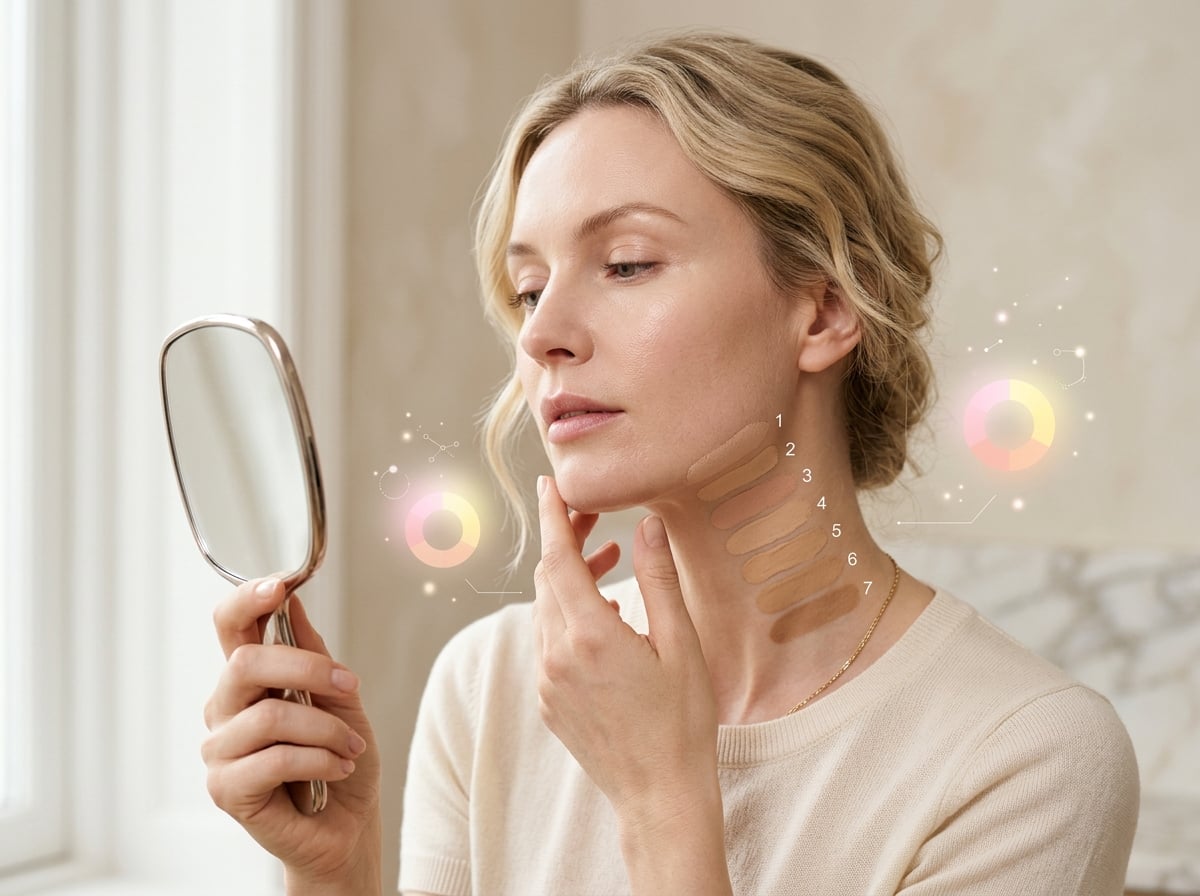
Olive-toned skin being matched to a foundation that respects its neutral-green undertone by AI.

Why olive skin is so often mismatched

Olive skin carries a neutral undertone with a subtle green or grey cast that sits outside the usual warm-versus-cool split most matching tools rely on. Because those tools try to sort you into warm or cool, olive complexions get pushed too warm — turning orange, yellow, or muddy — or too cool, looking flat and grey. Olive skin also spans a wide depth range, from light olive to deep olive, which compounds the problem when a tool is not built to handle it.

What the right app does differently

A matcher that works for olive skin treats olive as its own undertone, not a variation of warm. It should separate depth (how light or deep you are) from undertone (the green-neutral cast), read your real skin rather than guessing from a product you own, and be honest that olive is a known hard case that needs a daylight swatch-test to confirm. Referencing tonal scales like Fitzpatrick I–VI and Monk 1–10 helps ensure olive tones are represented across the full depth range.

How GlowLog handles olive undertones

GlowLog analyzes your real skin from a selfie and treats warm, cool, neutral, and olive as distinct undertone families — so olive skin is read as olive, not squeezed into warm or cool. Calibrated across Fitzpatrick I–VI and Monk 1–10, it gives shade guidance intended to avoid the over-warm, orange results olive complexions so often get, and flags flashback and oxidation risk. It is brand-neutral, guiding you across the brands you already shop.

Tips for a true olive match

Shoot your selfie in soft daylight with no filter and clean skin. When you swatch recommended shades, check them against your jaw in daylight and again after a few hours — olive skin can pull foundations warmer as they oxidize. If a shade looks even slightly orange or yellow on first swatch, size down the warmth or try the neutral option. GlowLog frames its estimates as a starting point to confirm on your skin.

More questions

Related questions

What is the best foundation matching app for olive skin?

One that treats olive as its own undertone — neutral with a green cast — instead of forcing warm or cool. GlowLog reads olive, neutral, warm, and cool undertones separately and is calibrated across Fitzpatrick I–VI and Monk 1–10, so guidance suits olive skin rather than over-warming it.

Why does my foundation always look orange on olive skin?

Because many shades and matchers assume a warm undertone for anything that is not clearly cool, over-warming olive skin. Olive is really neutral with a green cast, so choosing neutral or olive-specific shades — and confirming in daylight — usually fixes the orange pull.

Is olive skin warm or cool?

Neither, really. Olive is best treated as its own neutral undertone with a subtle green or grey cast. That is why warm-versus-cool tools struggle with it, and why GlowLog reads olive as a distinct undertone family.

Does GlowLog work for deep olive skin too?

Yes. GlowLog separates depth from undertone and is calibrated across the full Fitzpatrick I–VI and Monk 1–10 range, so it handles light through deep olive complexions. Always swatch-test in daylight to confirm your match.

Keep exploring GlowLog

Your glow, intelligently tracked

Join GlowLog and get melanin-aware AI beauty intelligence for your skin, makeup, and every shade.